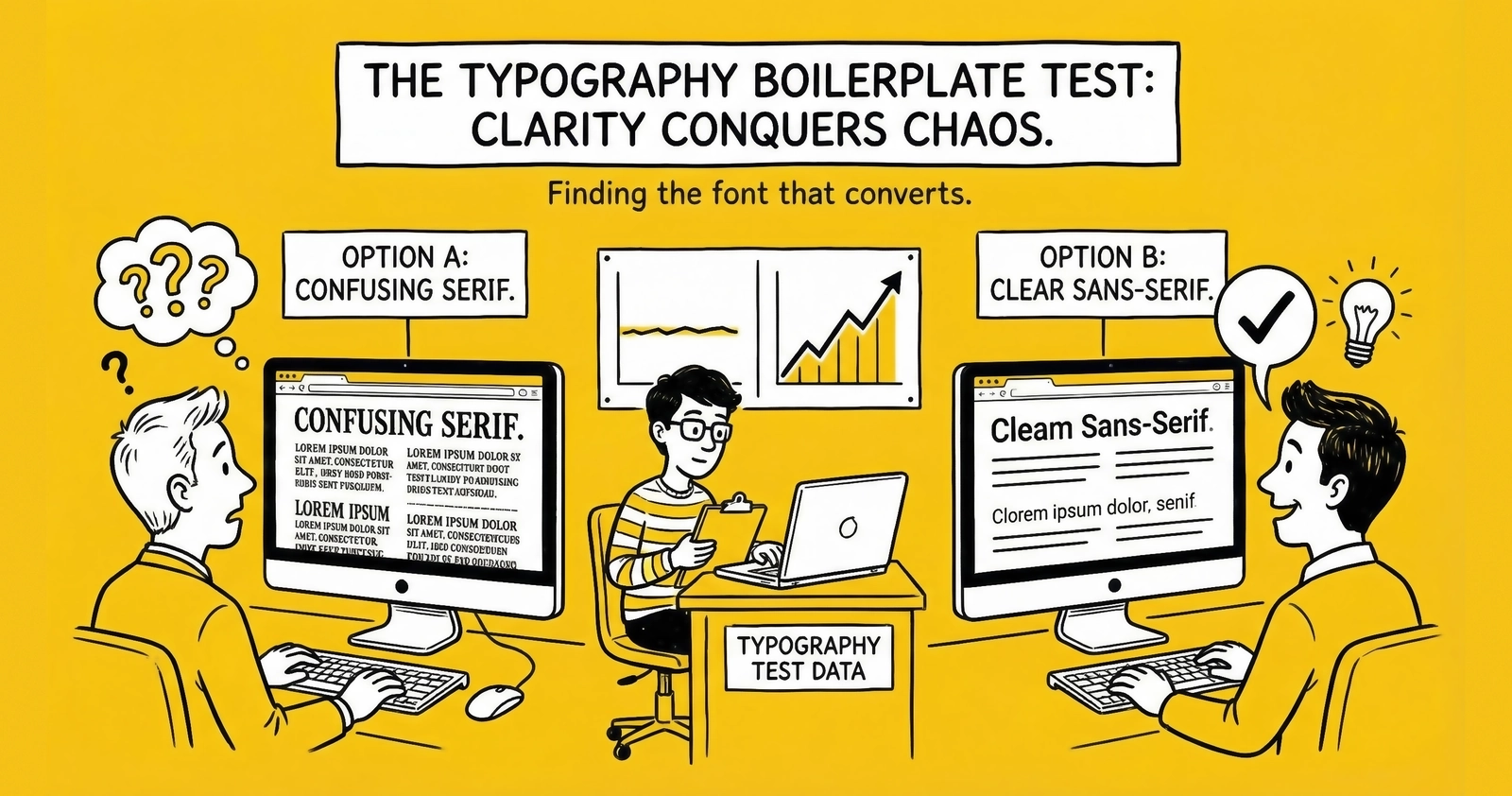
Main Heading (H1)
This is the opening paragraph after the H1. In actual articles, the H1 is hidden since it duplicates the post title in the header. Body paragraphs use --text-lg (0.95rem) with --leading-relaxed line height for optimal readability.
A second paragraph demonstrates spacing between paragraphs. The design system uses --space-5 (20px) for paragraph margin-bottom. Notice how the text maintains comfortable reading width within the --container-content (700px) constraint.
Second Level Heading (H2)
H2 headings use --text-4xl (1.25rem) with --font-extrabold weight. They include a bottom border using --border-default to create visual separation between major sections. The margin-top of --space-10 (60px) provides breathing room from previous content.
Third Level Heading (H3)
H3 headings use --text-2xl (1.1rem) with --font-bold weight. No border, just weight contrast. Good for subsections within a major topic. Margin-top is --space-8 (40px).
Fourth Level Heading (H4)
H4 headings use --text-xl (1rem) with --font-bold weight. Use sparingly for deeply nested content. Margin-top is --space-6 (24px).
Text Formatting Elements
This section demonstrates inline text formatting options.
Bold text uses --font-bold weight for emphasis. Use for key terms, important concepts, or scannable highlights in long paragraphs.
Italic text uses font-style: italic for emphasis, citations, or introducing new terms. Less visually heavy than bold.
Combined bold and italic formatting works when you need maximum emphasis, though use sparingly.
Here’s an inline link to another article demonstrating the link styling with yellow underline using text-decoration-color: var(--color-accent).
Inline code formatting uses monospace font with light gray background. Good for variable names, file paths, or short code references.
Additional Text Formatting
Strikethrough text uses line-through decoration with muted color.
Highlighted text uses yellow background for emphasis.
Press Ctrl + C to copy. Keyboard keys have subtle 3D styling.
Formulas work inline: z = (p₁ - p₂) / SE = (0.051 - 0.042) / 0.0029 = 3.10
Water is H2O. The equation E = mc2 changed physics.
TCPA compliance is essential (hover to see full name).
Fine print: Statistics and examples are illustrative only.
Blockquote Element
Blockquotes use a 4px left border in
--color-accent(yellow) with italic styling and muted text color. They’re ideal for highlighting key insights, expert quotes, or important callouts that deserve visual distinction from body text.
A longer blockquote demonstrates how multiple lines wrap within the quote container. The padding-left of
--space-5creates comfortable spacing from the yellow border. Use blockquotes to break up long content sections and highlight quotable insights.
Unordered Lists
Standard bullet lists use disc markers colored with --color-accent:
- First list item demonstrating standard bullet formatting
- Second item with enough text to show how longer items wrap to multiple lines while maintaining proper indentation and spacing
- Third item for visual rhythm
- Fourth item completing the list
Nested lists work as expected:
- Parent list item one
- Nested child item
- Another nested item
- Parent list item two
- Nested under second parent
- Deeply nested item (use sparingly)
- Nested under second parent
Ordered Lists
Numbered lists use decimal markers:
- First numbered item in the sequence
- Second numbered item demonstrating the automatic numbering
- Third item with extended text to show how longer content wraps while maintaining the number alignment on the left margin
- Fourth item completing the numbered sequence
Mixed content in lists:
- Bold lead-in: Followed by regular text explaining the concept in more detail
- Another bold pattern: This format works well for definition-style lists
- Third item pattern: Consistent formatting helps readers scan quickly
Code Blocks
Inline code like const apiKey = process.env.API_KEY uses the smaller monospace styling.
Multi-line code blocks use light background with syntax highlighting:
// Example JavaScript code block
async function postLead(leadData) {
  const response = await fetch('/api/leads', {
    method: 'POST',
    headers: {
      'Content-Type': 'application/json',
      'Authorization': `Bearer ${API_KEY}`
    },
    body: JSON.stringify(leadData)
  });

  if (!response.ok) {
    throw new Error(`HTTP error: ${response.status}`);
  }

  return response.json();
}
JSON example:
{
  "lead_id": "ld_abc123",
  "status": "accepted",
  "buyer_id": "buyer_456",
  "price": 45.00,
  "timestamp": "2024-01-15T14:30:00Z"
}
Tables
Tables use the brutalist design with dark headers and alternating row backgrounds:
| Metric | Good | Average | Poor |
|---|---|---|---|
| Contact Rate | >80% | 60-80% | <60% |
| Conversion Rate | >15% | 8-15% | <8% |
| Return Rate | <5% | 5-12% | >12% |
| Speed to Lead | <1 min | 1-5 min | >5 min |
A more complex table with longer content:
| Lead Type | CPL Range | Best Channels | Key Qualification |
|---|---|---|---|
| Auto Insurance | $8-25 | Google, Facebook | Vehicle info, coverage type |
| Mortgage | $25-75 | Google, Native | Loan amount, credit range |
| Solar | $40-150 | Facebook, Google | Homeowner, roof type |
| Legal (PI) | $100-400 | Google, TV | Incident type, liability |
Horizontal Rules
Horizontal rules (like the one above and below this section) use --border-default styling. They create major section breaks. Note: When followed immediately by an H2, the hr is hidden since H2 has its own border.
Combined Elements Example
This section demonstrates how elements work together in realistic content.
Understanding Lead Quality Metrics
Lead quality isn’t a single number. It’s a composite of multiple factors:
-
Contact Rate: Can you reach the consumer? Invalid phone numbers and disconnected lines destroy contact rates. Industry benchmark: >80% contactable.
-
Intent Signals: What actions indicate purchase readiness?
- Form completion time (30-90 seconds optimal)
- Field accuracy and completeness
- Source context (comparison shopping vs. direct search)
-
Demographic Fit: Does the consumer match your buyer’s targeting criteria?
“Those who measure lead quality at the source level – not just in aggregate – consistently outperform competitors by 20-30% on effective CPL.” – Industry veteran
Here’s how quality scoring typically works:
def calculate_quality_score(lead):
    score = 0

    # Phone validation
    if lead.phone_valid:
        score += 25

    # Email validation
    if lead.email_valid:
        score += 15

    # Form engagement
    if 30 <= lead.form_time <= 90:
        score += 20

    # Geographic match
    if lead.state in LICENSED_STATES:
        score += 20

    # Intent signals
    score += min(lead.intent_score * 2, 20)

    return score
The table below shows how quality scores correlate with conversion:
| Quality Score | Conversion Rate | Recommended Action |
|---|---|---|
| 90-100 | 18-25% | Priority routing |
| 70-89 | 12-18% | Standard routing |
| 50-69 | 6-12% | Secondary buyers |
| <50 | <6% | Reject or aged pool |
Buttons (Reference Only)
Buttons are not used in blog content (they’re component-level), but here’s the reference for the design system:
- Primary Button: Yellow background, black text, uppercase, hover shadow
- Outline Button: Transparent background, black border, hover yellow background
- Small Button: Reduced padding for compact layouts
Button styling is defined in global.css under .btn, .btn-primary, .btn-outline, .btn-sm.
Images (Placeholder)
Images use --border-default with full-width constraint:
Image caption styling would go here if implemented.
Long-Form Paragraph Test
This extended paragraph tests how body text renders at length. In lead generation, the difference between a 4.2% and 6.4% conversion rate represents 52% more closed deals from identical traffic spend. This margin separates profitable operations from those burning through capital. Those who obsess over conversion optimization – testing headlines, form fields, button colors, trust signals, and page load speed – compound small gains into substantial competitive advantages. A 0.5% improvement each month yields 6% annual lift. Compounded over three years, that’s nearly 20% better performance than static competitors. The math is unforgiving: optimize or lose.
Key Takeaways Section Pattern
Many articles end with a “Key Takeaways” section using bold lead-ins:
Lead quality measurement requires source-level granularity. Aggregate metrics hide the variance that determines profitability. Track quality by traffic source, campaign, creative, and time period.
Speed to contact remains the highest-leverage optimization. Leads contacted within one minute convert at 391% higher rates than those contacted at five minutes. Build infrastructure that enables sub-60-second response.
Compliance is non-negotiable table stakes. TCPA violations carry $500-$1,500 per call statutory damages. One class action can bankrupt an operation. Invest in consent documentation, DNC scrubbing, and calling time compliance.
This boilerplate demonstrates all typography elements available in the blog design system. Statistics and examples are illustrative only. Modify this template to test CSS changes or create new content.
Additional footer text with italics for disclaimers, attribution, or editorial notes. This styling uses the standard paragraph format with italic emphasis.